

Product Overview
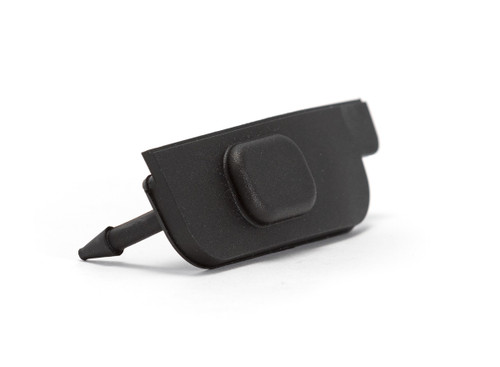
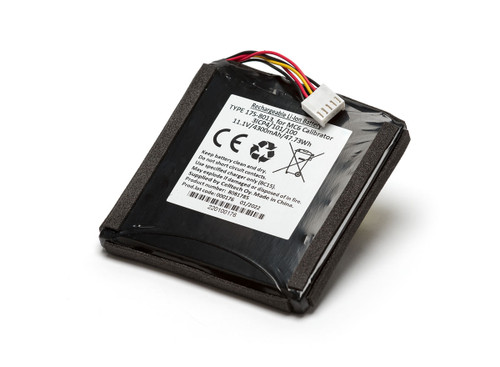
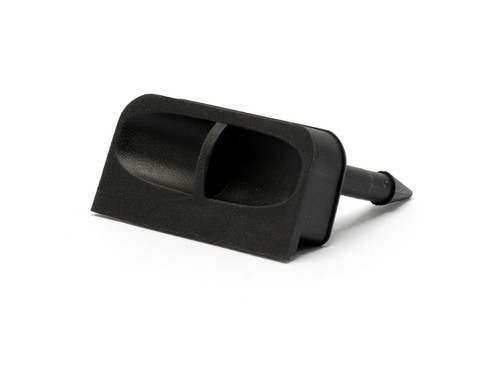
The MC6 battery compartment cover is easy to replace if damaged. This kit contains the plastic cover with paddings and screws.
- Power off the MC6 and place it upside down so the display faces the table surface
- Twist and remove the support stand
- Unscrew the four screws securing the battery compartment cover
- Reattach the new battery compartment cover and fasten it with the screws
- Press the support stand back into place